
Colored arcs grow, fade and repeat over black. Pink, lime and cyan anchor a set of concentric rings that drifts gently across the view.
Adjust the ring count and cycle duration to make the composition fuller or more relaxed.
Rings grows out of a SwiftUI progress-ring experiment in ScreenSaversPaX. That prototype credits Amos Gyamfi’s “Animating a Circular Progress Bar in SwiftUI,” published by Cindori on August 16, 2022. The current saver is a new AppKit rendering interpretation of the concentric-ring concept, rather than a copy of the tutorial implementation.
Report issues with this screen saver to [email protected].
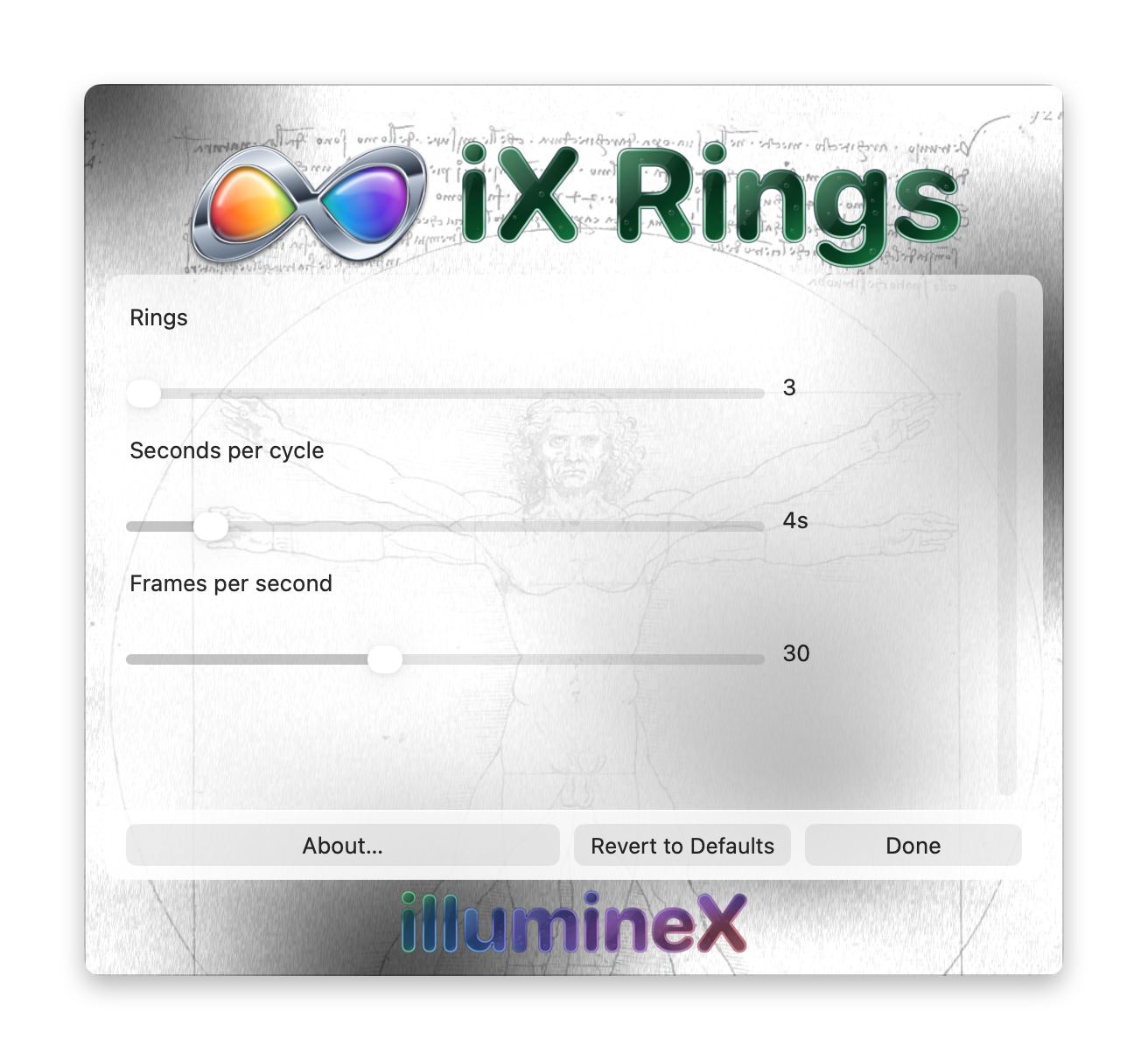
Changes take effect and save immediately. Revert to Defaults applies this saver’s defaults immediately. Done or Escape closes Options without undoing changes.
Rings — 3 to 7; default 3
Sets the number of concentric rings.
Seconds per cycle — 2 to 20s; default 4s
Sets how long the arcs take to grow and fade. Longer cycles produce gentler motion.
Frames per second — 10 to 60; default 30
Sets the requested animation rate. Higher values generally advance the effect faster; lower values slow it down and reduce rendering work. The actual rate depends on the Mac and its screen saver host.