
A ball bounces around the screen while a single bottom paddle tracks it. The spare black-on-white presentation recalls the prototype’s playful simplicity.
This is an animated display rather than an interactive game. Use the inverse appearance for a dark field or adjust speed to change the rhythm.
The surviving ScreenSaversX Pong experiments used a single tracking paddle at the bottom of the view. The Swift import preserves that playful concept while replacing incremental collision handling with motion that remains within the view at different sizes and speeds.
Report issues with this screen saver to [email protected].
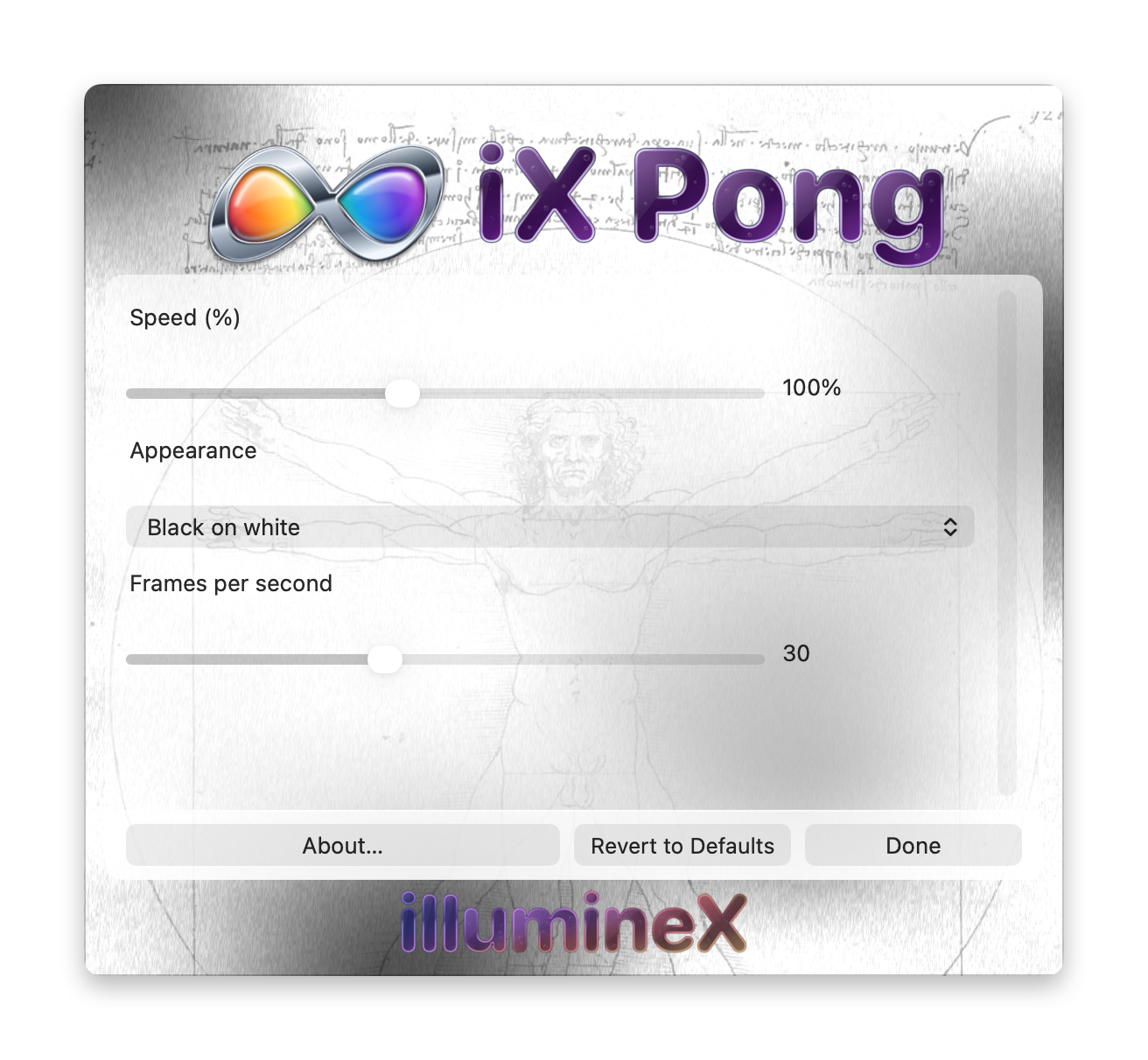
Changes take effect and save immediately. Revert to Defaults applies this saver’s defaults immediately. Done or Escape closes Options without undoing changes.
Speed (%) — 25 to 200%; default 100%
Changes ball speed independently of redraw rate.
Appearance — Black on white or White on black; default Black on white
Chooses black on white or the inverse appearance.
Frames per second — 10 to 60; default 30
Sets the requested animation rate. Higher values generally advance the effect faster; lower values slow it down and reduce rendering work. The actual rate depends on the Mac and its screen saver host.