
Colored beads move along looping curves and leave fading trails, creating a flowing pattern of intersecting paths.
Adjust the requested frame rate to change the pace of the motion.
The historical help describes Lissajous as a tribute to similarly named retro savers on UNIX, NeXTSTEP and Macintosh. The Swift edition uses colored beads and fading curved trails.
Report issues with this screen saver to [email protected].
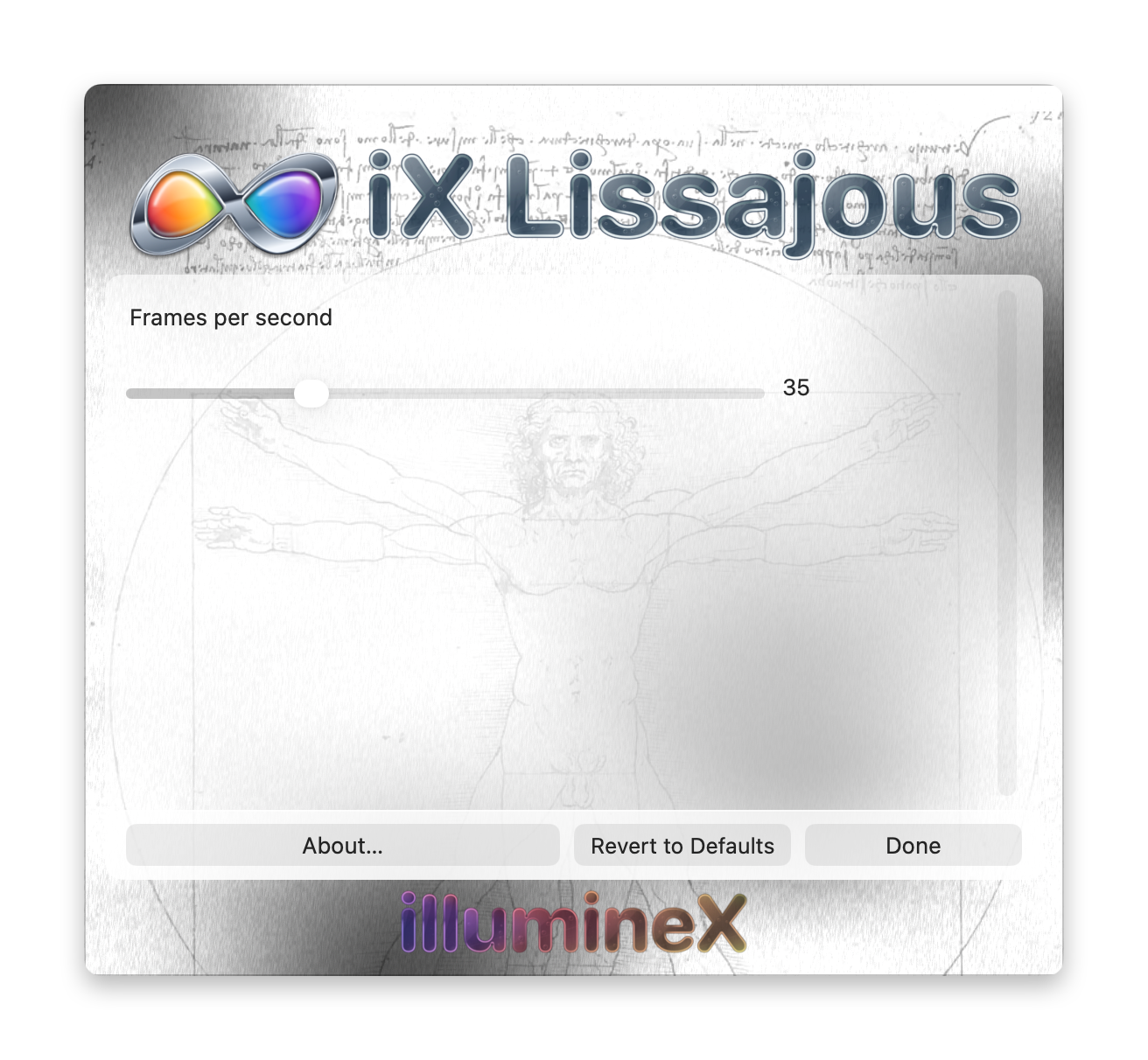
Changes take effect and save immediately. Revert to Defaults applies this saver’s defaults immediately. Done or Escape closes Options without undoing changes.
Frames per second — 10 to 100; default 35
Sets the requested animation rate. Higher values generally advance the effect faster; lower values slow it down and reduce rendering work. The actual rate depends on the Mac and its screen saver host.